How to use LiveFontGenerator.com fonts to Instagram, Facebook & WhatsApp Bios
Quick Answer
Use LiveFontGenerator.com fonts on your social media bios with the help od following images.
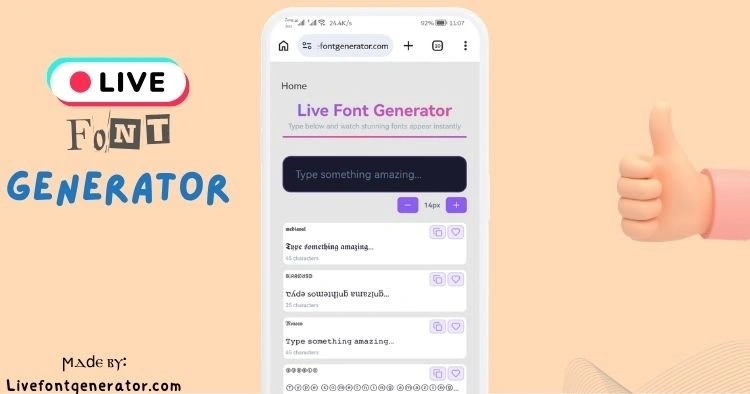
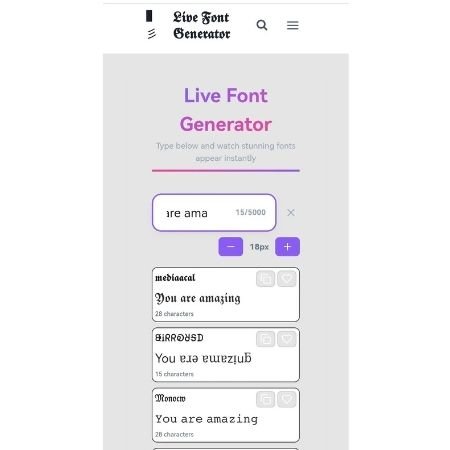
- Go to your browswer and open LiveFontGenerator.com and type your text.
For instance ” You are amazing”.
How to Use on Instagram Bio
Step 1: Type your text on LiveFontGenerator.com
Step 2: Click any font style – Copy it by clicking Copy icon.
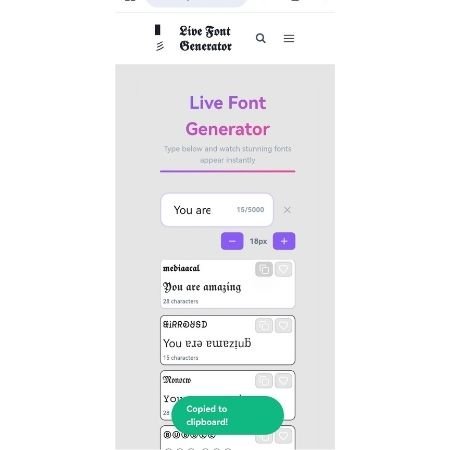
Step 3: Open Instagram → Edit Profile → Bio field
Step 4: Long press → Paste → Save
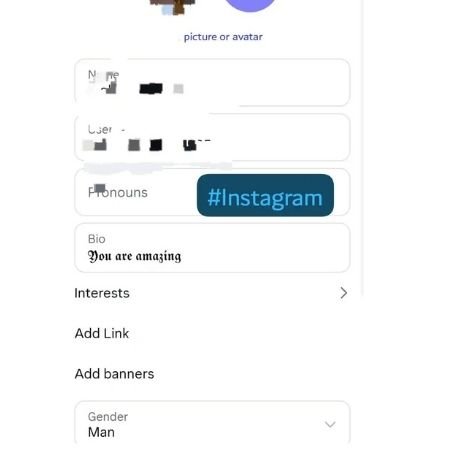
Done! Your Instagram bio now has stylish fonts.
How to Use on Facebook Bio
Step 1: Type your text on LiveFontGenerator.com
Step 2: Click your favorite style to copy
Step 3: Open Facebook → Profile → Edit Bio
Step 4: Paste → Save
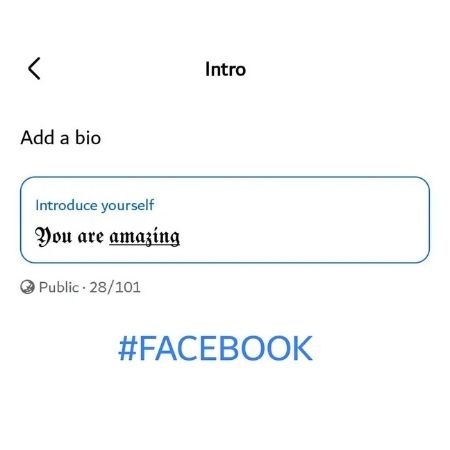
Done! Your Facebook bio stands out.
How to Use on WhatsApp Bio
Step 1: Type your text on LiveFontGenerator.com
Step 2: Click style to copy
Step 3: Open WhatsApp → Settings → Profile → About
Step 4: Paste → Save
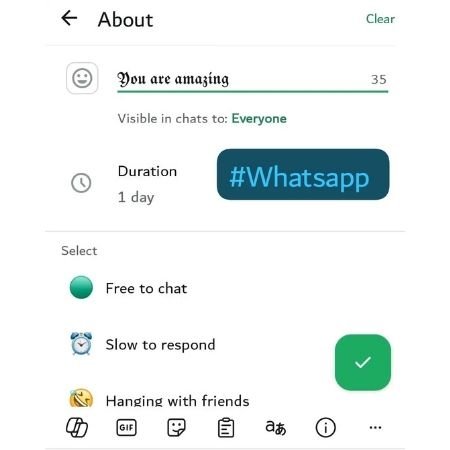
Done! Your WhatsApp About looks unique.
Quick Tips
| Platform | Field Name | Limit |
|---|---|---|
| Bio | 150 characters | |
| Bio | 101 characters | |
| About | 139 characters |
Common Problems
| Problem | Solution |
|---|---|
| Font shows as squares | Update your phone |
| Paste not working | Close and reopen app |
| Font disappears | Try different style |
FAQs
Q: Is LiveFontGenerator.com free?
Yes. 100% free. No signup.
Q: Do I need to download anything?
No. Works in your browser.
Q: Will Instagram remove my bio?
No. Unicode fonts are allowed.
Conclusion
4 steps. 30 seconds. 3 platforms.
Open LiveFontGenerator.com now. Type your text. Pick a style. Paste your bio.