How Text Generators Work (Unicode Explained Simply)
Have you ever seen someone’s Instagram bio written in 𝓯𝓪𝓷𝓬𝔂 𝓼𝓬𝓻𝓲𝓹𝓽 or 𝐛𝐨𝐥𝐝 letters and wondered how they did it? You probably assumed they installed a special font or used some paid app. The truth is much simpler — and a lot more interesting. In this guide, we’ll explain exactly how text generators work, what Unicode really is, and why this “magic” text shows up correctly on almost every device and platform.
By the end, you’ll understand the technology behind every font generator, fancy text maker, and stylish text converter you’ve ever used.
What Is a Text Generator, Really?
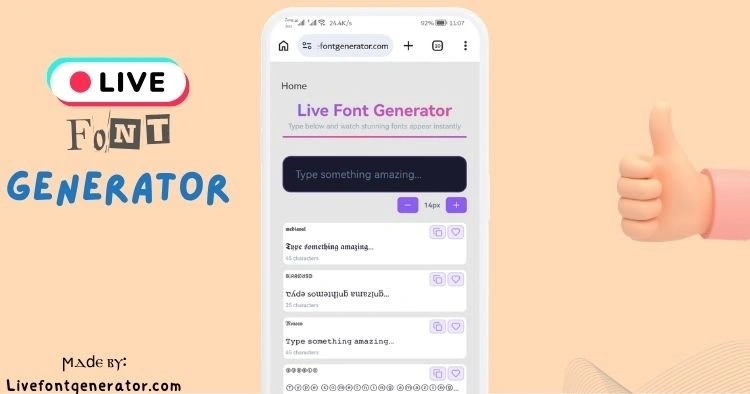
A text generator is an online tool that converts your normal text into stylish, decorative characters that you can copy and paste anywhere. You type a word into the input box, and the tool instantly displays it in dozens of different styles — cursive, bold, bubble letters, gothic, and more.
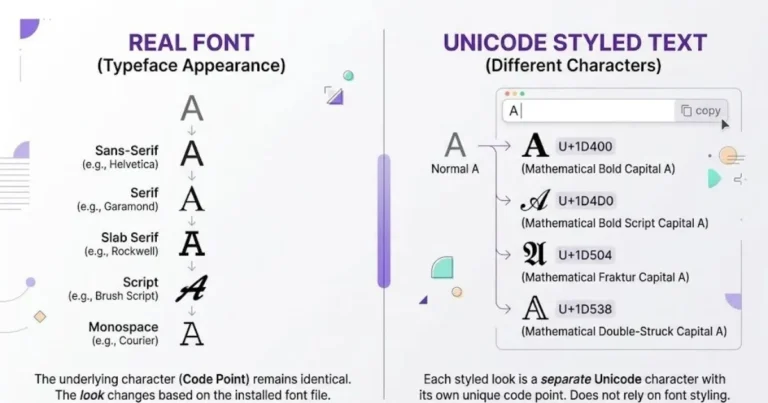
But here’s the key point most people miss: a text generator does not create new fonts. It doesn’t change your phone’s settings or download anything. Instead, it swaps your regular letters for visually similar characters that already exist inside a global character system called Unicode.
That single idea is the foundation of how every fancy text converter works.
Understanding Unicode in Plain English
To understand text generators, you first need to understand Unicode.
Every letter, number, and symbol you see on a screen has a unique code behind it. Computers don’t actually “see” the letter A — they see a number assigned to it. Unicode is the universal standard that assigns a specific number (called a code point) to every character used in human writing systems.
Think of Unicode as a massive global dictionary. It contains:
- The standard English alphabet (A–Z, a–z)
- Numbers and punctuation
- Letters from other languages like Arabic, Hindi, Chinese, and Greek
- Mathematical symbols
- Emojis
- Thousands of decorative and stylistic character variations
Right now, Unicode includes more than 149,000 characters. Because it’s an international standard, the same character displays consistently across iPhones, Android phones, Windows computers, and web browsers. This universal compatibility is exactly why copy-and-paste text works everywhere.
So Where Do the “Fancy Fonts” Come From?
Here’s where the clever part happens.
Inside Unicode, there are special blocks of characters that look like styled versions of the normal alphabet but are technically separate symbols. For example:
- The normal letter is a
- The mathematical bold version is 𝐚
- The script version is 𝓪
- The double-struck version is 𝕒
To your eyes, these all look like the letter A in different styles. To the computer, they are completely different Unicode characters with their own unique code points. They were originally added to Unicode for mathematicians and scientists who needed special notation — but creative users discovered they could be used to style social media text.
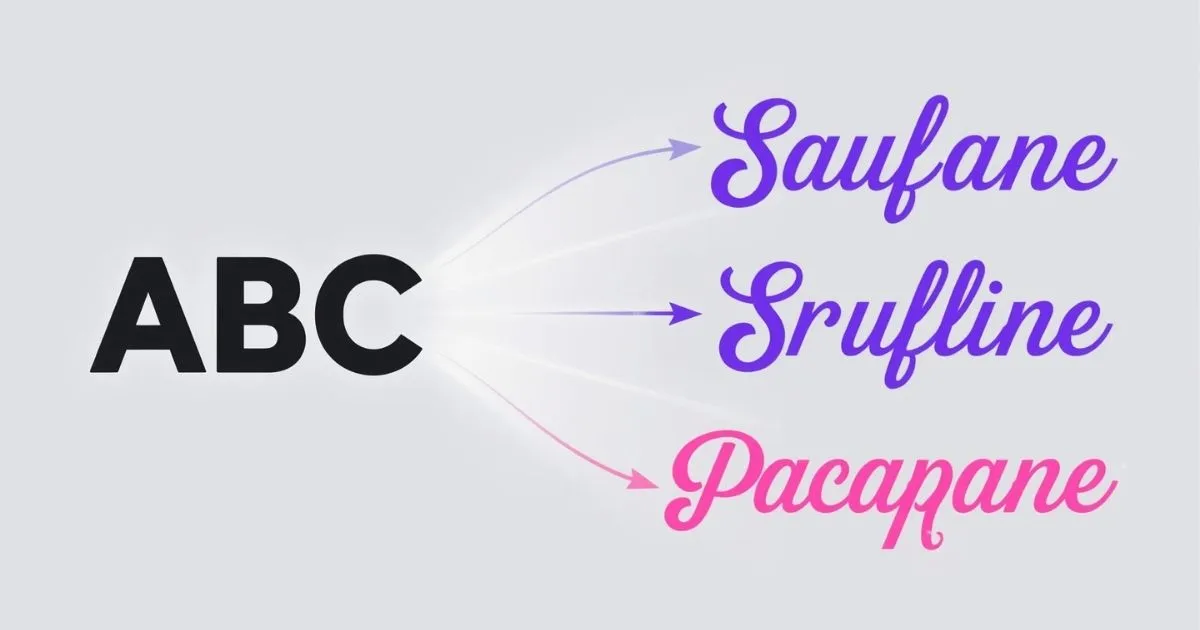
A text generator simply maps each normal letter to its decorative Unicode twin. When you type “hello,” the tool replaces every letter with the matching styled character and shows you the result.
How the Conversion Process Actually Works
Let’s break down the step-by-step process happening behind the scenes when you use any stylish font generator:
Step 1: You type your text. You enter a word or sentence into the input field.
Step 2: The tool reads each character. A small piece of code looks at your text one letter at a time.
Step 3: It checks a lookup table. For each style, the generator stores a “map” that connects every standard letter to its fancy Unicode equivalent.
Step 4: It swaps the characters. The tool replaces your normal letters with the matching decorative symbols.
Step 5: It displays the result. You instantly see your text transformed into a new style, ready to copy.
This entire process happens in milliseconds, right inside your browser. No internet processing, no servers, and no waiting — which is why good text generators feel instant.
Why These Fonts Work on Instagram, TikTok, and WhatsApp
Because the styled text is made of real Unicode characters — not images or actual installed fonts — it behaves like any other text. You can copy it, paste it, and send it just like normal words.
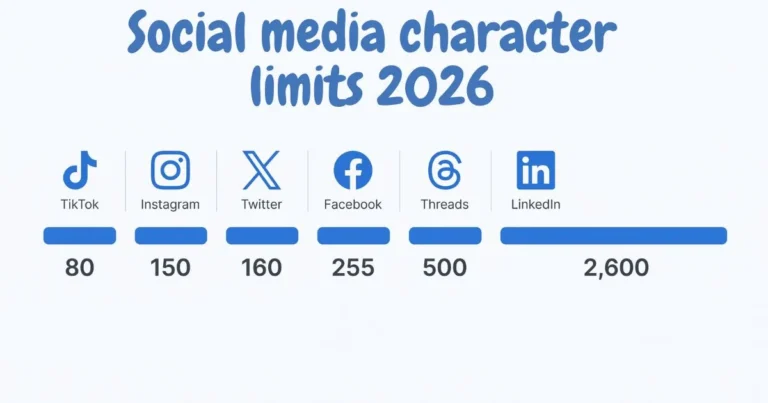
Social media platforms like Instagram, TikTok, Facebook, X (Twitter), Discord, and WhatsApp all support Unicode by default. That’s why your fancy bio, stylish username, or decorated caption shows up perfectly for everyone who views it, regardless of the device they use.
This is also why you don’t need to install anything. The characters already exist in the system — the generator just helps you find and arrange them.
Are There Any Limitations?
While Unicode text is incredibly useful, it’s good to know its boundaries:
- Accessibility: Screen readers used by visually impaired people may struggle to read decorative Unicode letters correctly, so avoid overusing them in important content.
- Search and SEO: Search engines don’t always index fancy Unicode text the same way as normal text, so it’s best for bios and captions rather than article body content.
- Not every symbol exists in every style: Some styles are missing certain letters, so the generator shows the plain version as a fallback.
Understanding these limits helps you use stylish fonts smartly rather than randomly.
What About Cool Symbols and Decorative Characters?
Beyond letters, text generators also let you add cool symbols like ✦, ♡, ☆, and ⚡. These work the same way — they’re standard Unicode symbols pulled from different character blocks. Generators often combine styled letters with these decorative symbols to create eye-catching designs for usernames and social media posts.
So when you see a username like “✦ 𝓢𝓽𝓪𝓻 ✦,” it’s really just normal text mapped to script characters with two star symbols added around it.
Types of Text Generators You’ll Find Online
Not all text generators do the same thing. As you explore different tools, you’ll notice they fall into a few distinct categories, each serving a different purpose.
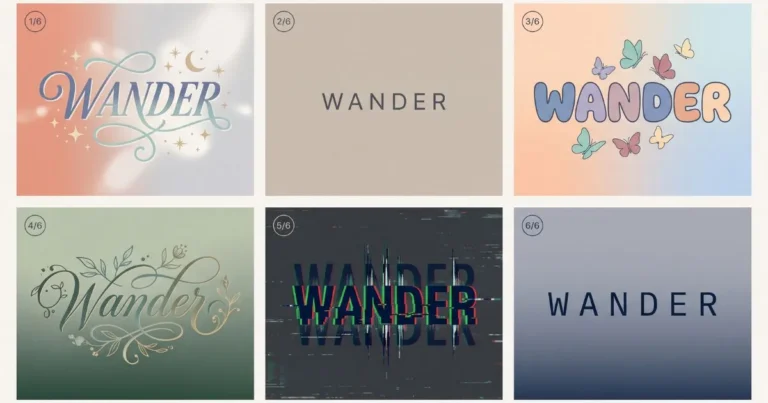
The most common type is the Unicode style generator, which swaps your letters for decorative characters you can copy and paste. This is what powers stylish bios and usernames. A second type is the image text generator, which turns your words into a downloadable picture using real installed fonts — useful for logos, thumbnails, and print designs where you need an image rather than editable text.
A third type is the decoration generator, which focuses on adding symbols, borders, and emoji frames around your text rather than changing the letters themselves. Some advanced tools combine all three approaches, letting you style letters, add decorations, and export the result as an image. Knowing which type you need helps you pick the right tool for the job instead of settling for whatever appears first in search results.
Why Some Text Generators Are Faster Than Others
If you’ve used several text generators, you’ve probably noticed that some feel instant while others lag or freeze. The difference comes down to how the tool is built behind the scenes.
Fast generators do all their work directly in your browser using JavaScript. When you type, the character mapping happens locally on your device, so results appear immediately with no waiting. There’s no need to send your text to a server and wait for a response. This is why the best tools update every style the moment you type a letter.
Slower generators often rely on server processing, heavy advertisements, or bloated code that loads unnecessary scripts. Every keystroke triggers a delay, which makes the experience frustrating. When choosing a text generator, speed is a good sign of quality. A tool that previews all styles instantly is usually better built and more reliable than one that makes you wait.
Can You Build Your Own Text Generator?
For the curious, a natural question is whether you could build a text generator yourself. The answer is yes, and understanding the concept helps explain why these tools work the way they do.
At its core, a text generator is just a set of character maps written in code. A developer creates a lookup table for each style — a list that pairs every normal letter with its Unicode equivalent. When a user types text, a short script loops through each character, finds its match in the chosen style’s table, and outputs the result. This is basic programming logic that many beginner developers learn early on.
The real work isn’t the code — it’s the research. Finding visually appealing Unicode character sets, testing them across different devices, handling missing letters gracefully, and organizing hundreds of styles takes significant effort. That’s why the quality of a text generator depends less on complex technology and more on careful curation of styles and attention to user experience.
The Simple Truth Behind the Magic
Now that you know how text generators work, the mystery disappears — but the usefulness doesn’t. Every fancy text maker, cursive font converter, and stylish text tool relies on the same core idea: mapping ordinary letters to decorative characters that already live inside Unicode.
It’s not a trick, a download, or a hidden app. It’s just a smart, creative use of the global character standard that powers all digital text. The next time you style your Instagram bio or design a cool gaming username, you’ll know exactly what’s happening behind the scenes.
Ready to try it yourself? Type any word into our font generator and watch Unicode do its work — instantly and for free.
Frequently Asked Questions
Do text generators change my actual font?
No. They don’t alter your device fonts or install anything. They simply replace your letters with similar-looking Unicode characters that you can copy and paste.
Why do some letters appear as plain text after converting?
Certain styles don’t include every letter, number, or symbol in Unicode. When a match isn’t available, the generator displays the normal character instead.
Is fancy Unicode text safe to use?
Yes. Unicode characters are part of a global standard and contain no scripts, viruses, or hidden code. They’re completely safe for personal and commercial use.
Will these fonts work on all phones?
In most cases, yes. Because Unicode is universal, styled text displays correctly across iOS, Android, Windows, and web browsers, though a few rare characters may vary slightly.