How to Create QR Codes With Fancy Text (Easy Guide)
QR codes are everywhere — on menus, posters, business cards, and product packaging. But most of them are plain and forgettable. What if your QR code could carry stylish, eye-catching text that makes people stop and scan?
You can. By combining a font generator with a QR code maker, you can create QR codes with fancy text in just a few minutes. After testing this across several tools, I found a simple method that works every time.
This guide shows you exactly how to do it, where it works best, and the mistakes to avoid.
Quick Answer:
Can You Put Fancy Text in a QR Code?
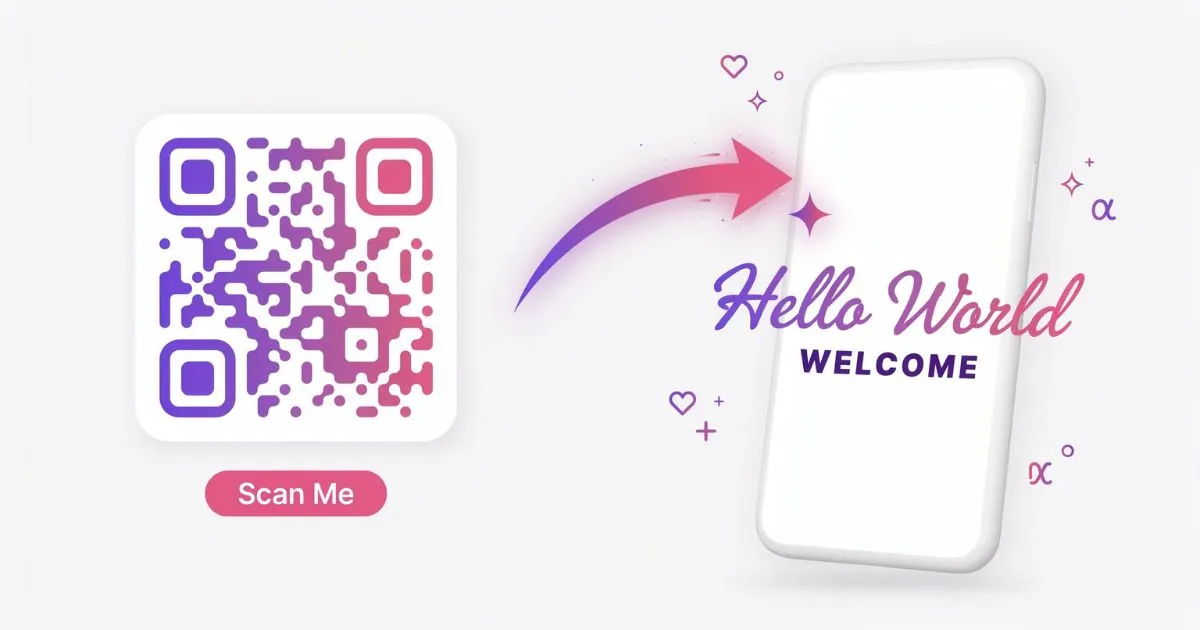
Yes, you can create QR codes with fancy text by generating stylish Unicode characters first, then pasting them into a QR code maker. The QR code stores your styled text as data, and when someone scans it, the fancy text appears on their screen.
Here’s how it works in short:
- Use a font generator to convert normal text into stylish Unicode characters
- Copy the styled text you like
- Paste it into a free QR code generator’s “text” option
- Download the QR code as an image
- When scanned, the fancy text displays on any phone
No coding or design skills are needed, and most tools are completely free.
What Are QR Codes With Fancy Text?
A normal QR code usually stores a website link or plain text. When scanned, it shows exactly what was put inside it.
A fancy-text QR code stores stylish Unicode characters instead of plain letters. So when someone scans it, they see decorative text like 𝓣𝓱𝓪𝓷𝓴 𝓨𝓸𝓾 instead of boring “Thank You.”
Because these styles use Unicode — the universal character standard — the fancy text displays correctly on almost any phone that scans the code.
How to Create a QR Code With Fancy Text (Step by Step)
Here’s the exact method I use. It takes about two minutes.
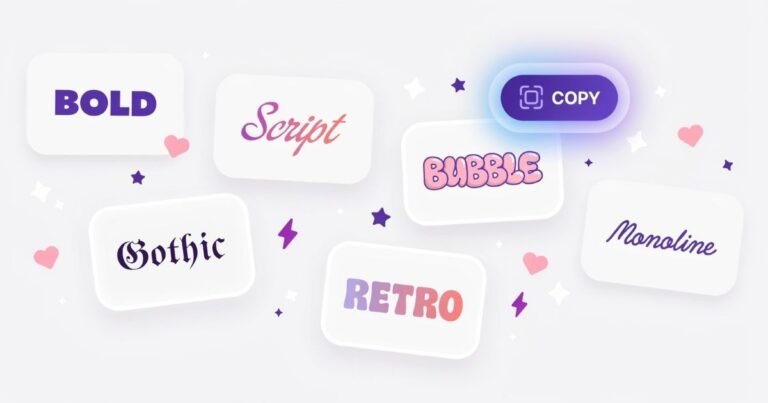
Step 1 — Generate your fancy text. Open a font generator, type your message, and browse the styles. Pick one that fits your vibe — bold, cursive, or aesthetic.
Step 2 — Copy the styled text. Click the copy button next to your favorite style.
Step 3 — Open a QR code generator. Use any free QR maker that has a “Text” or “Plain Text” option (not just URL).
Step 4 — Paste your fancy text. Drop the copied Unicode text into the text field.
Step 5 — Generate and download. Create the QR code and save it as a PNG or SVG image.
Step 6 — Test it. Scan it with your own phone to confirm the fancy text displays correctly before sharing.
That’s it. Your stylish QR code is ready to print or post.
Best Uses for Fancy Text QR Codes
In my experience, these creative QR codes work best where attention matters. Here are practical ideas:
- Business cards: Add a styled name or tagline that stands out when scanned
- Wedding invitations: Hide an elegant cursive message or couple’s names
- Event posters: Include a fancy “You’re Invited” greeting
- Product packaging: Add a stylish “Thank You” note for customers
- Social media: Share a QR code that reveals a decorative bio or username
- Gifts and cards: Tuck in a secret styled message for a personal touch
The novelty of decorative text makes people more curious to scan — which is the whole point of a QR code.
Tips to Make Your QR Code Work Every Time
A few simple practices keep your fancy QR codes reliable:
Keep the text short. Long messages create dense, hard-to-scan codes. Short styled phrases work best.
Use higher error correction. Most QR generators let you set error correction to “High” — this keeps the code scannable even if slightly damaged.
Test before printing. Always scan your code on more than one phone, since a few rare characters may not display on older devices.
Avoid heavy symbol overload. Too many decorative symbols can clutter the result. Stick to clean styles for the best look.
Common Mistakes to Avoid
A few errors can break the experience, so watch out for these.
Mistake 1: Using a URL-only QR maker. Some tools only accept links. Make sure your generator has a plain text option.
Mistake 2: Pasting too much text. Large amounts of styled text make the code complex and slow to scan. Keep it brief.
Mistake 3: Skipping the test scan. Never print or share a QR code without scanning it yourself first. This catches display issues early.
Mistake 4: Expecting it to work as a clickable link. Fancy text QR codes show text, not websites. If you need a link, use a separate URL QR code.
Frequently Asked Questions
Can fancy text in a QR code be scanned by any phone?
Most modern phones display Unicode fancy text correctly. A few older devices may show some characters as boxes, so testing first is always recommended.
Are fancy text QR codes free to make?
Yes. You only need a free font generator and a free QR code maker. There are no fees, downloads, or subscriptions required for basic use.
Will the fancy text turn into a website link?
No. Fancy text QR codes display text only. To link to a website, create a separate URL-based QR code instead.
What’s the best length for fancy text in a QR code?
Keep it short — ideally a few words or a single phrase. Shorter text creates a cleaner, faster-scanning QR code that works reliably.
Do I need design software to do this?
No. The entire process uses free online tools. You just generate text, copy it, paste it into a QR maker, and download — no design skills needed.
Final Thoughts
Creating QR codes with fancy text is one of the easiest ways to add personality to an otherwise plain code. Whether it’s a wedding invitation, a business card, or a thank-you note, a little styled text makes people want to scan.
The method is simple: generate stylish Unicode text, copy it, and paste it into a QR code maker. Keep it short, test it, and you’re done.
Want to get started? Type your message into our free font generator, copy your favorite stylish style, and turn it into a fancy QR code in minutes.